Categories
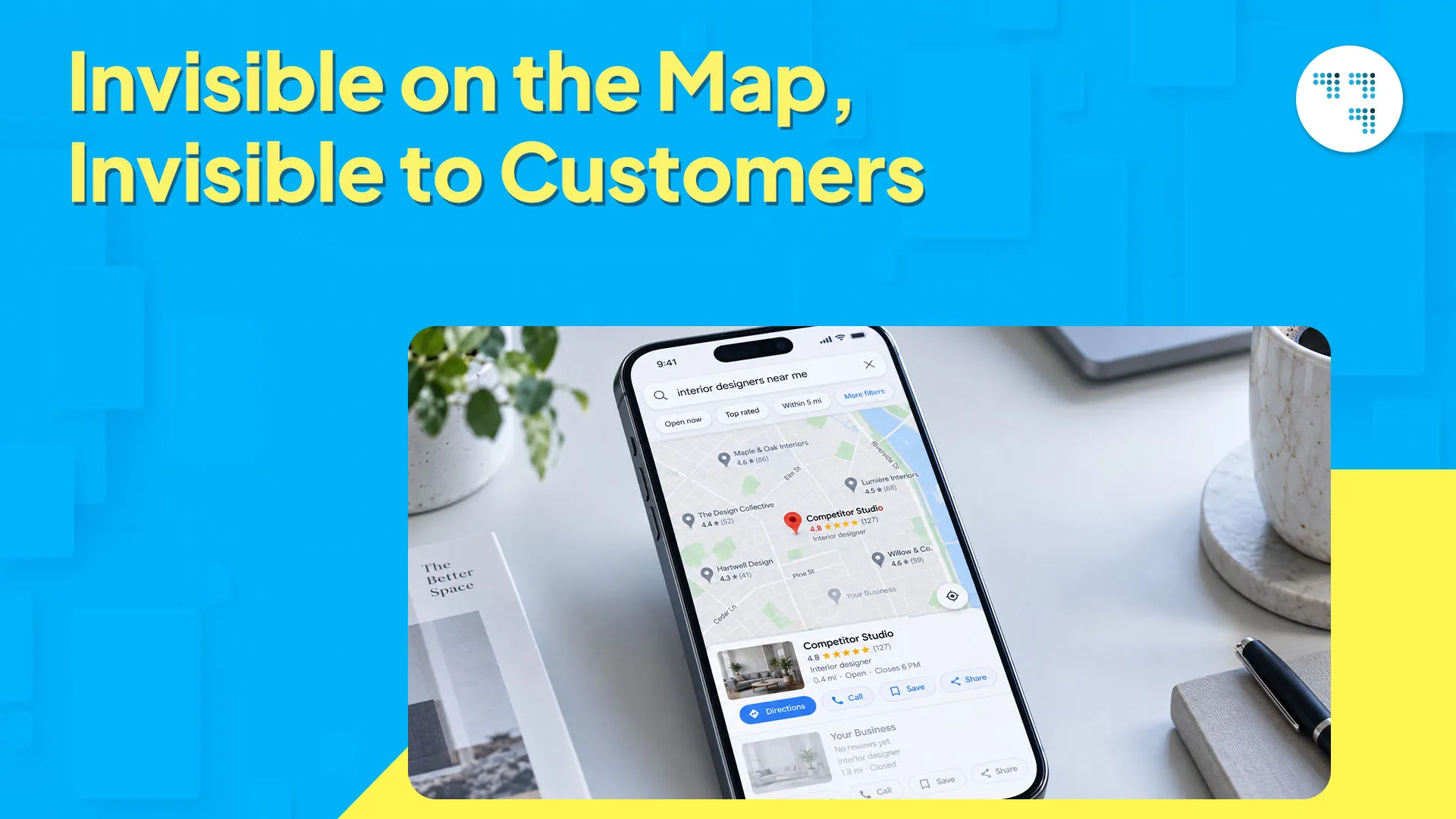
Why doesn’t your business show up when someone two streets away searches for exactly what you sell? Why does a competitor with a worse product still sit at number one on Google Maps? And if you set up your Google Business Profile months ago, why is no one finding you?
If any of that sounds familiar, you’re running into one of the most common local visibility problems out there. And you’re not alone — plenty of businesses struggle to show up on Google Maps, even good ones. Most of the time it comes down to a handful of small gaps: your profile, the signals you’re sending Google, and how consistent you are with both. Let’s break down what’s actually going on.
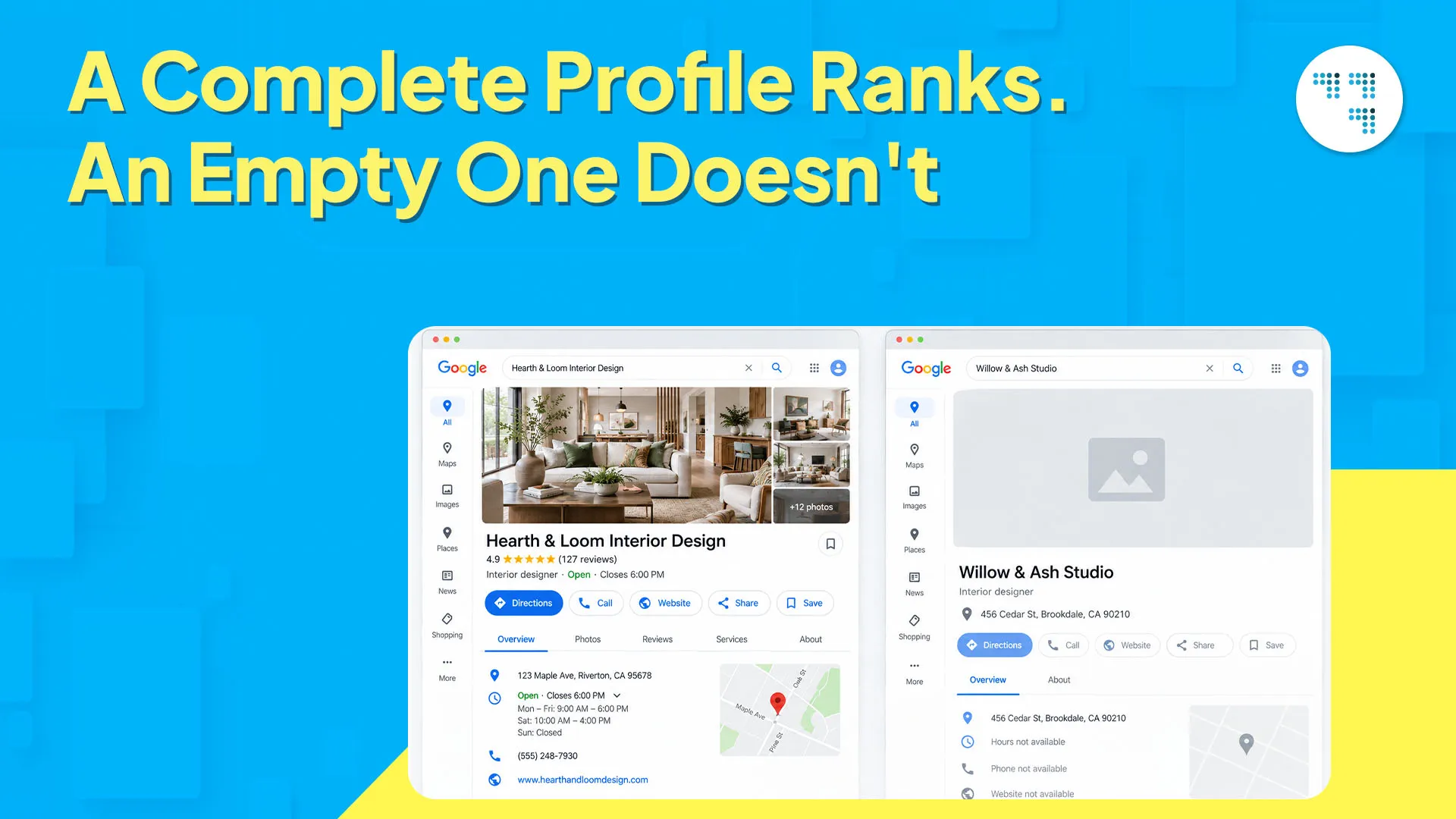
Here’s something most business owners don’t realize: Google doesn’t hide your listing for no reason. It just won’t rank one that’s unfinished.
If your Google Business Profile (GBP) isn’t showing up in local search, the culprit is usually something simple — missing hours, no photos, a half-written description, or a category that doesn’t quite match what you actually do. Google ranks the profiles it trusts the most, and an incomplete one gives it nothing to trust.
So fill in every section — hours, service area, attributes, photos, all of it. Not exactly exciting work, but it’s low effort for a pretty quick payoff.
Your business name, address, and phone number should match everywhere — your website, your GBP, your social pages, even that old directory listing you forgot you set up.
“When the details don’t match, Google’s left guessing which one’s accurate.”
This uncertainty is a quiet but real reason why you’re not showing up the way you should on Google Maps.
A lost suite number here, an old phone number there — these little mismatches add up faster than you realize. Run a quick audit: Google your business name and click on every listing that comes up. Wherever the details don’t match, correct them.
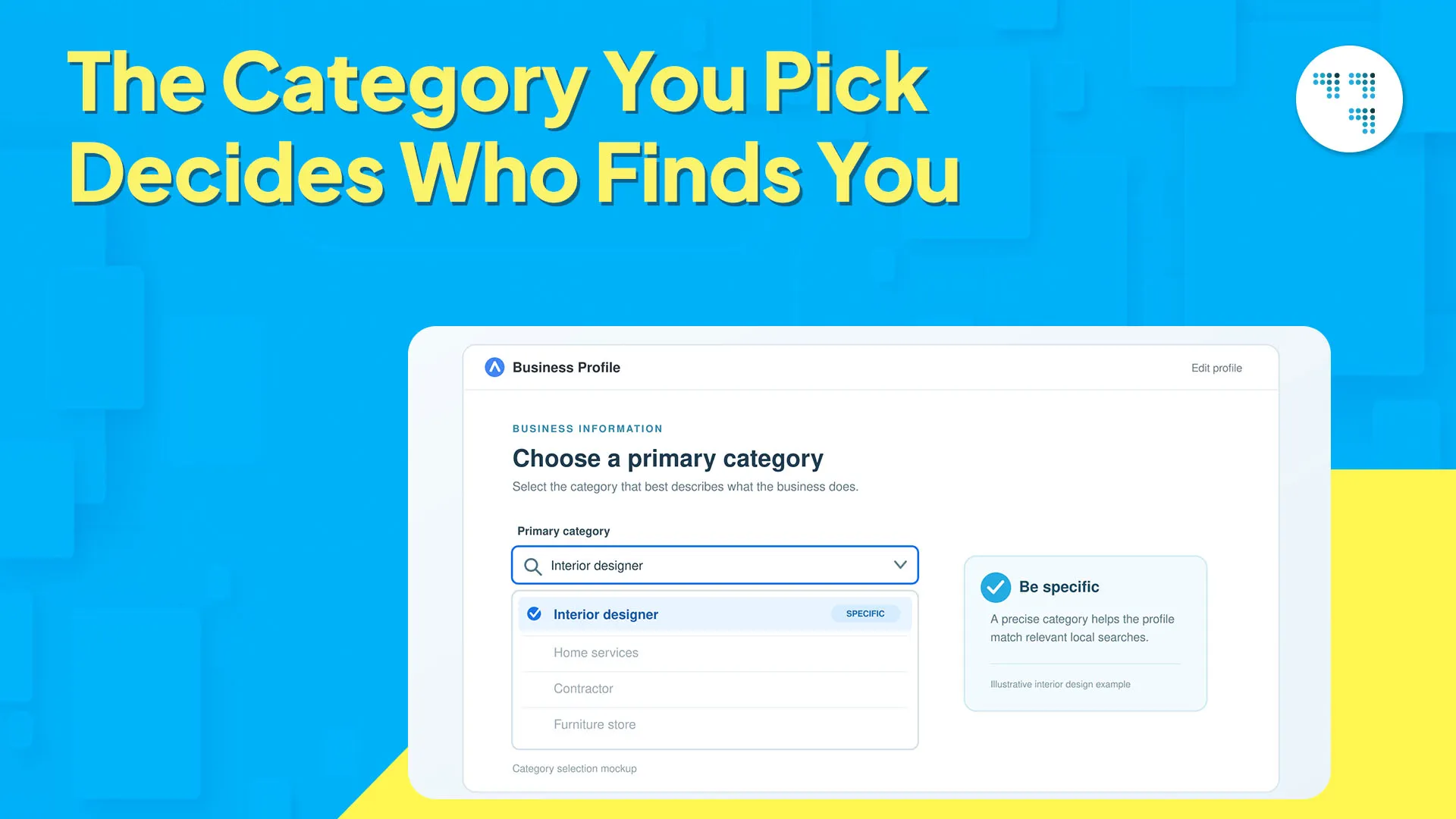
Your primary category tells Google exactly what types of searches you should show up for. Choose something too broad, or something that doesn’t quite fit, and you’ll miss out on searches you really want to rank for.
Take a bakery listed under “Restaurants” — it’s now competing in a huge, mostly irrelevant pool. List it under “Bakery” instead, and it’s competing exactly where it should be. This one setting impacts your Google Maps ranking more than most people realize.
Go back and check your primary and secondary categories every few months. What you offer is probably not the same as what it was when you first set up the profile.
A profile with three reviews and a profile with three hundred reviews are not competing on the same level — even if both are fully loaded.
Reviews obviously build trust among customers. But they also signal relevance to Google. Businesses with steady, recent reviews appear more often in map results. So if your Google Business Profile’s visibility has dropped recently, the first thing to check is when your last review actually came in.
Ask happy customers directly. No generic link buried at the bottom of an email — a genuine, timely ask right after a good interaction works far better.
An untouched profile sends a signal to Google, whether you want it to or not. Photos that haven’t been updated in a year, no posts, no recent Q&A — it all reads like a business that probably isn’t even open anymore.
Posting updates, adding fresh photos, and responding to reviews keeps your profile active in Google’s eyes. This isn’t a one-time setup task — it’s an ongoing part of showing up well on Google Maps.
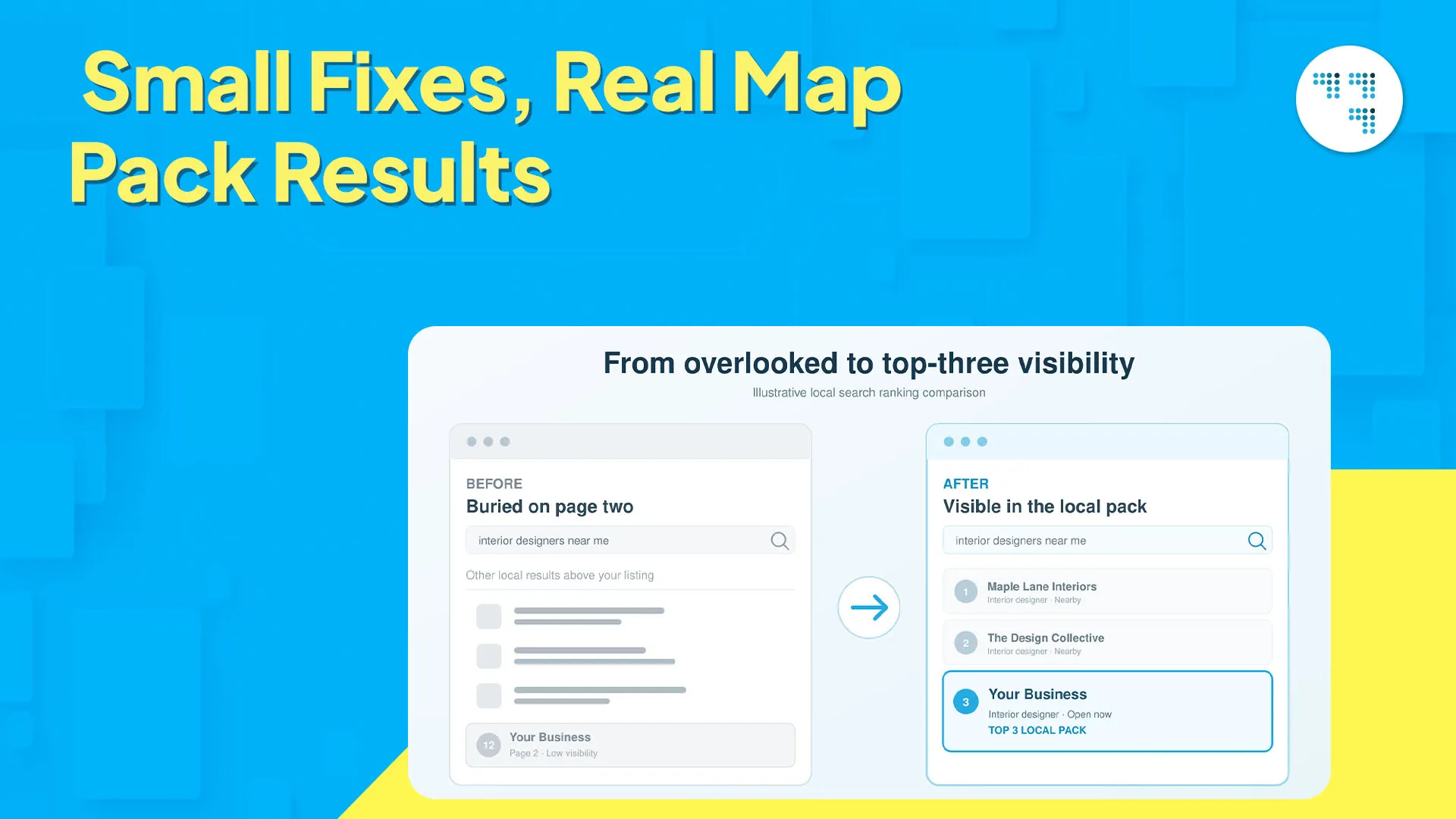
We worked with a small physiotherapy clinic that had a decent profile, but it wasn’t showing up nearby for the services they actually offered. The problem wasn’t the business itself — it was how the profile was set up.
So we rebuilt it from the ground up: the right primary category, a specific list of services, weekly photo updates, and a review request built into their post-appointment routine. Within a few months, their visibility in the map pack for their core service area improved noticeably, and Maps became a genuine, trackable source of new patient bookings. [Swap in the real before/after numbers here if you have them — a specific stat will land harder than “improved noticeably.”]
Nothing fancy happened. No tricks, no shortcuts. Just a profile that was complete, active, and accurate — exactly the kind of thing Google wants to put in front of people.
Don’t try to fix everything at once — start here:
Claim and verify your profile if you haven’t already
Fill in every section, especially hours, category, and services
Match your business name, address, and phone number across every platform
Ask for a handful of new reviews this month
Add fresh photos and post an update
“A little effort consistently beats one big push you make once and then forget.”
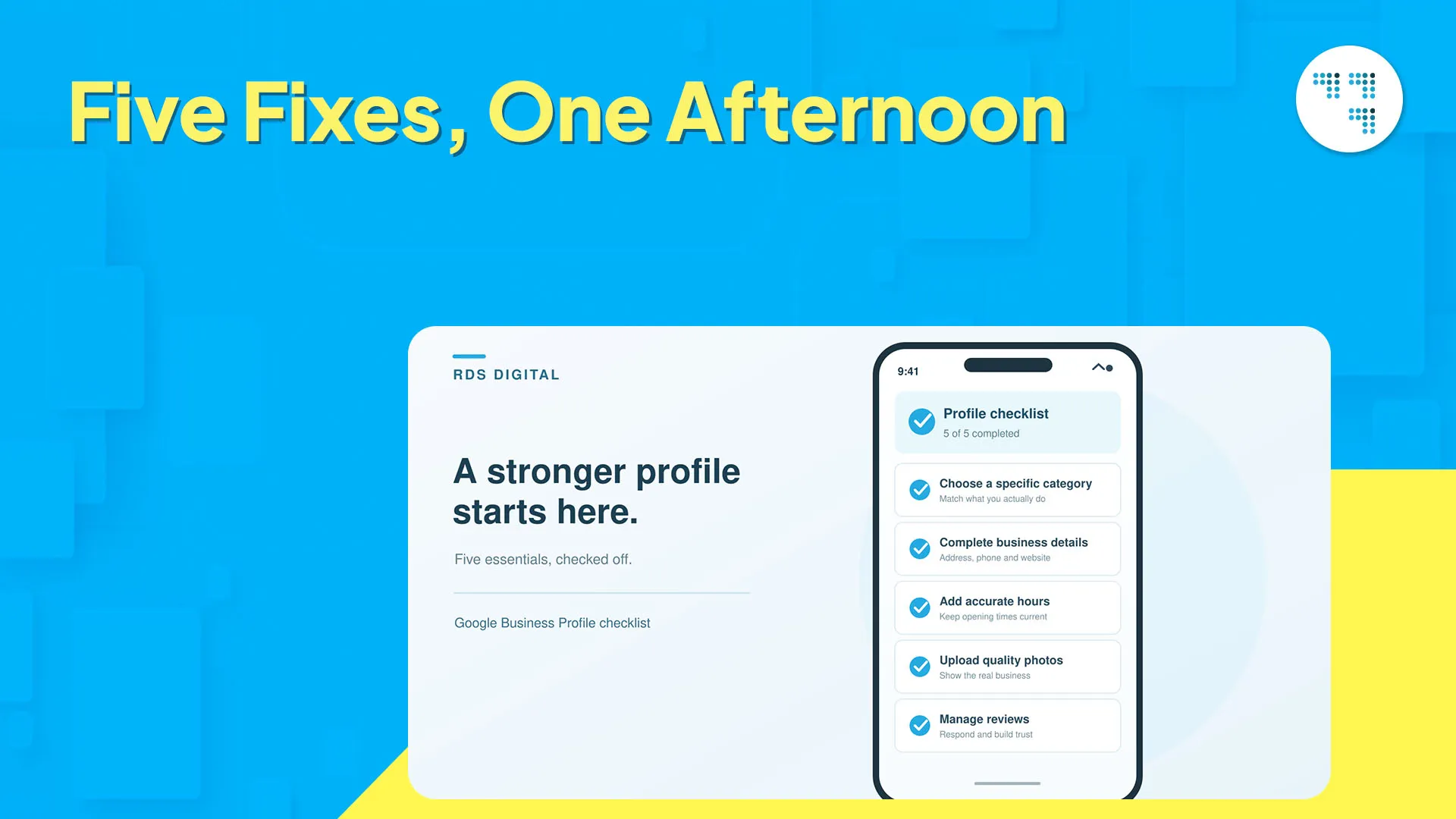
Not appearing on Google Maps is usually not the mystery it seems. Most of the time, it comes down to an incomplete profile, mismatched information, the wrong category, thin reviews, or inconsistent listings.
Getting these basics right is what turns a Maps search into an actual customer. None of this is permanent — each one can be fixed, often within a few weeks, if you tackle them one at a time. Treat your Google Business Profile the same way you’d treat your storefront: tidy, accurate, and worth walking into.
At RDS Digital, we bring together creativity, strategy, and technology to help brands grow on every digital platform. From SEO to paid campaigns to brand strategy, our approach is tailored, not templated — because every business deserves a growth plan built around its own goals.

It could be an incomplete profile, mismatched business information across platforms, the wrong category, or too few recent reviews. Google ranks profiles it feels confident about — gaps or inconsistencies reduce that confidence, which pushes your listing further down or out of local results entirely.
Start by claiming and verifying your Google Business Profile, filling out each section properly, and making sure your name, address, and phone number are consistent wherever they appear online. Add photos, collect reviews regularly, and post updates. These build the trust signals Google needs to show your listing.
A profile can be verified and still rank badly. If it’s missing info, light on reviews, sitting in the wrong category, or hasn’t been touched in a while, it’s not going to show up the way you’d want. Just existing isn’t enough — Google cares about relevance and activity. A sparse, neglected profile can’t keep up with one that’s actually being maintained.
Your listing can go live within days of getting verified. Ranking well is a different story — that usually takes longer, anywhere from a few weeks to a few months. It comes down to how competitive your category is, how steadily you’re picking up reviews, and how your profile stacks up against nearby competitors on completeness and consistency.
Focus on the basics first — a complete profile, the right category, and business info that matches everywhere. Keep bringing in reviews steadily, and don’t let your photos or updates go stale. If you’re in a competitive category or a busy area, it’s also worth paying attention to local SEO signals like citations and backlinks — they can make a real difference when there’s a lot of nearby competition.

#80, 1st mainSanthrupthi
Nagar,JP Nagar 7th Phase, Bengaluru-78

© Copyright 2026, All Rights Reserved by RDS Digital
© Copyright 2024, All Rights Reserved by RDS Digital
Want to grow Your Business With Our Digital Marketing Solutions?