Categories
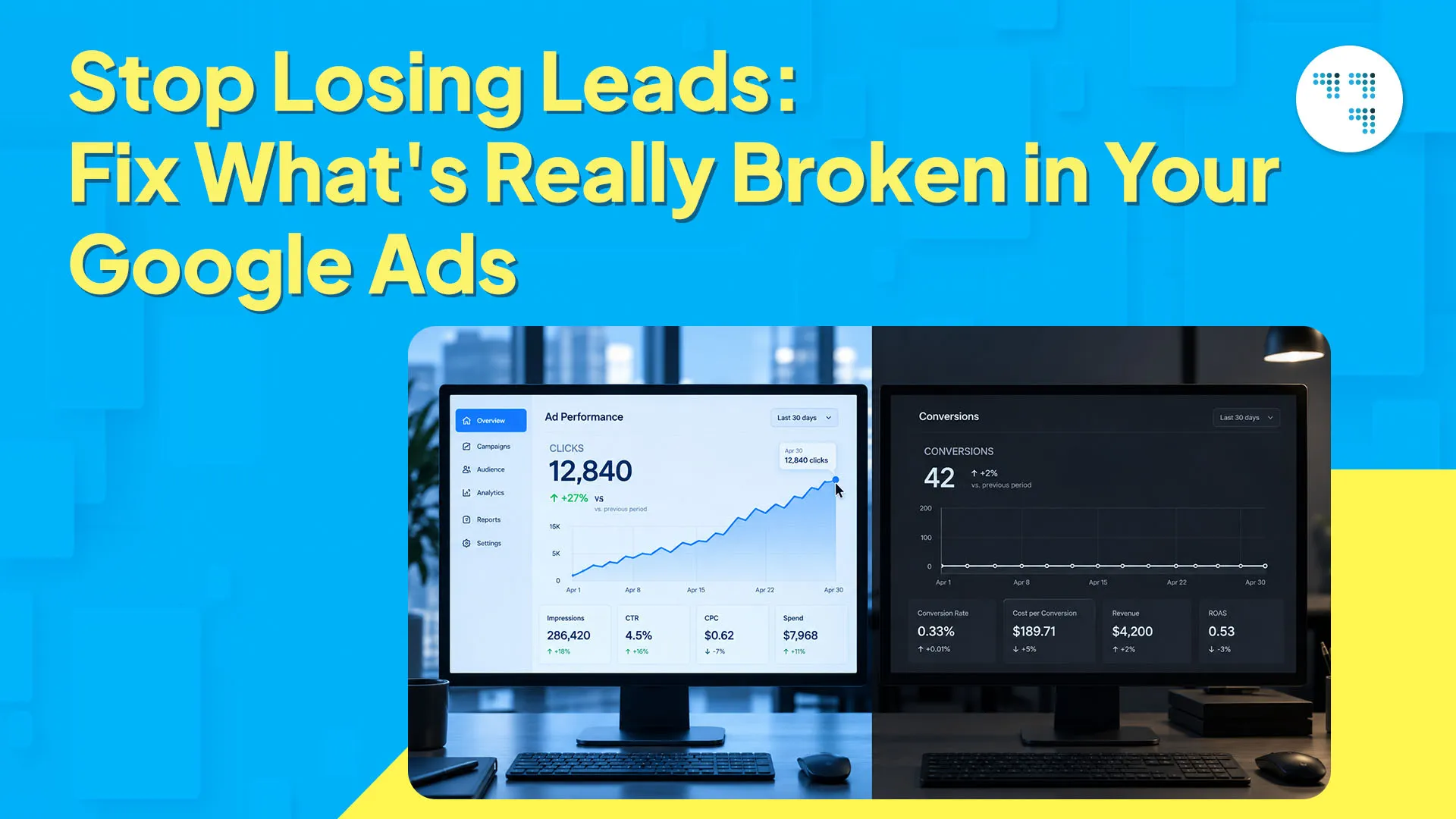
You are getting clicks. A lot of them, probably. But sales aren’t showing up, and you’re left wondering if Google Ads even works for a business like yours.
The thing is, this happens more often than you’d think. We’ve seen this exact situation with dozens of customers, and it’s almost never the platform’s fault. Two businesses can spend the same budget and get vastly different results. Conversion rates that looked good in March may be quietly falling by June with nothing obviously different on your part.
Google Ads not converting is one of the most common complaints we hear from business owners walking in our doors. Usually the solution is not dramatic — it’s a few small, specific things going wrong together. Let’s break them down.
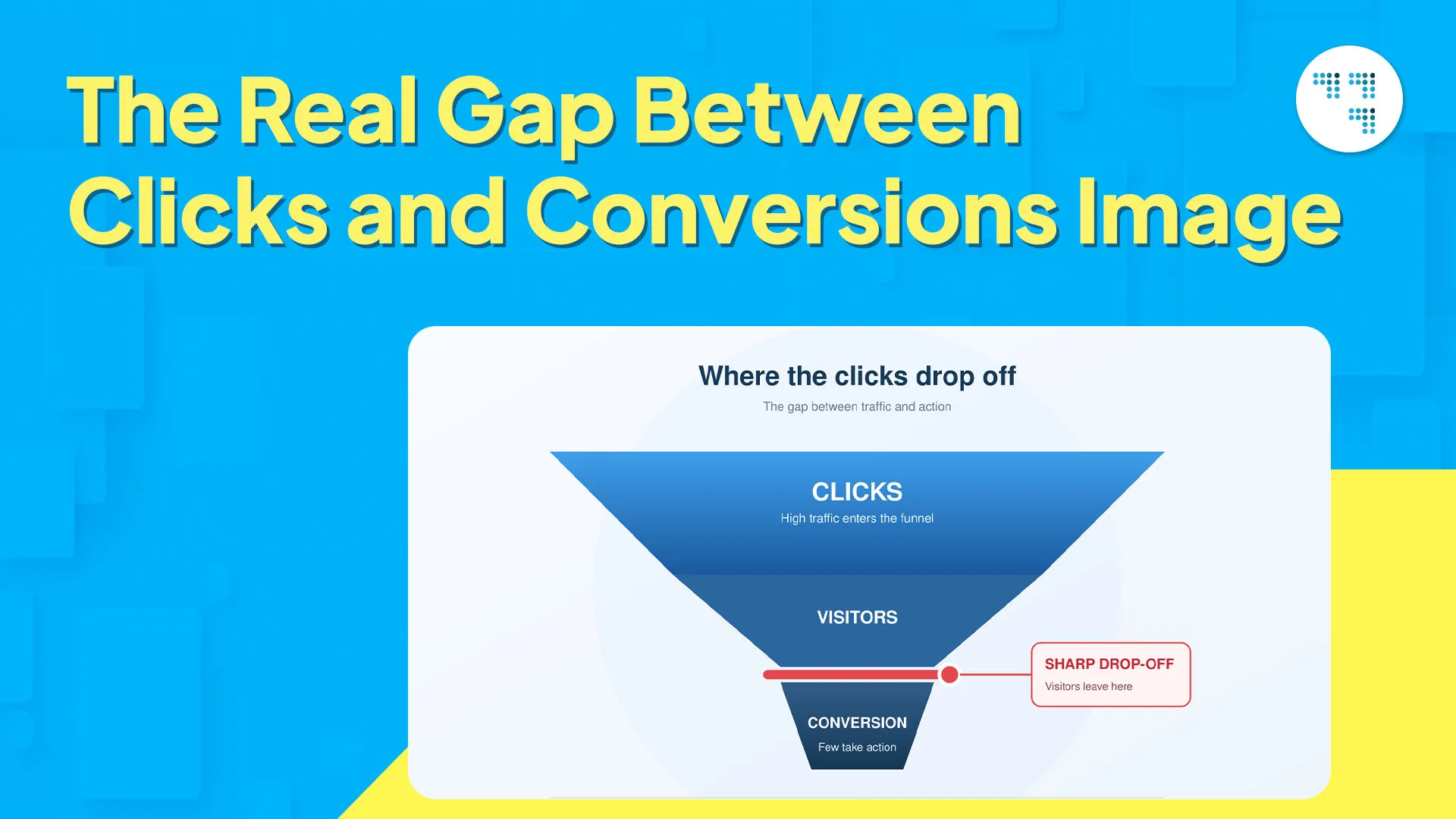
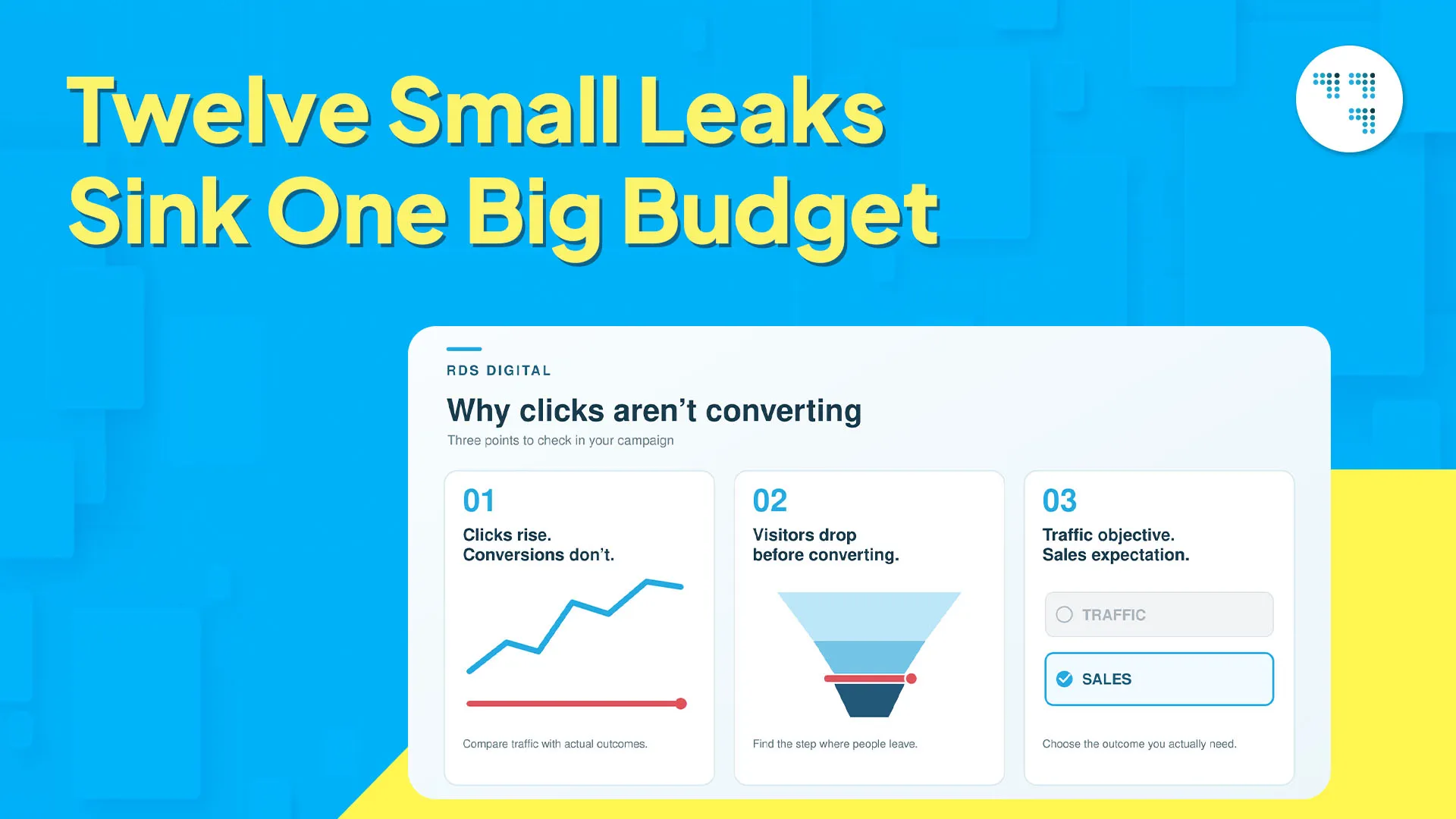
A high click-through rate can easily hide a low Google Ads conversion rate, and that gap catches a lot of advertisers off guard. A click simply means someone was curious enough to tap. Whether that turns into money in your account depends on much more than curiosity — does your offer match their expectations, does the page they land on hold their attention, is the person clicking even someone who’s likely to buy from you?
Traffic without sales usually means there’s a break somewhere in that chain. This is the root of most Google Ads conversion problems, and honestly, it’s rarely caused by ad copy alone. People like to blame the headline. The headline is usually fine.
A broad match without a good negative keyword list attracts traffic that was never going to convert — people looking for something related to what you sell, not what you actually sell. We’ve cleaned out accounts where half the spend was going to searches that had nothing to do with the client’s business. Tightening match types and updating your negative keyword list weekly stops this kind of wasted spend before it starts.
Promise a “free consultation” in an ad, then send people to a page that opens with pricing? Before they scroll even an inch, you’ve lost them. Seems like an obvious mistake to avoid. In practice, it’s surprisingly common.
Every additional second of load time costs you conversions, full stop. Mobile users bounce before the page even loads, and Google’s own research backs this up — the likelihood of a bounce rises sharply as load time crosses the three-second mark. If you haven’t run speed tests on your landing pages in the last few months, it’s worth doing today, not next week.
Five links, a chatbot, a newsletter popup, and a “Buy Now” button all fighting for attention on one page — that’s not a landing page, that’s clutter. Simply put, a single, clear CTA outperforms a page trying to do five things at once.
Quality Score isn’t just a number Google shows you to make you feel important — it has a direct impact on your cost per click. A weak score means poor placement at a high price, and it’s one of the culprits behind low Google Ads conversion rates that almost no one thinks to check.
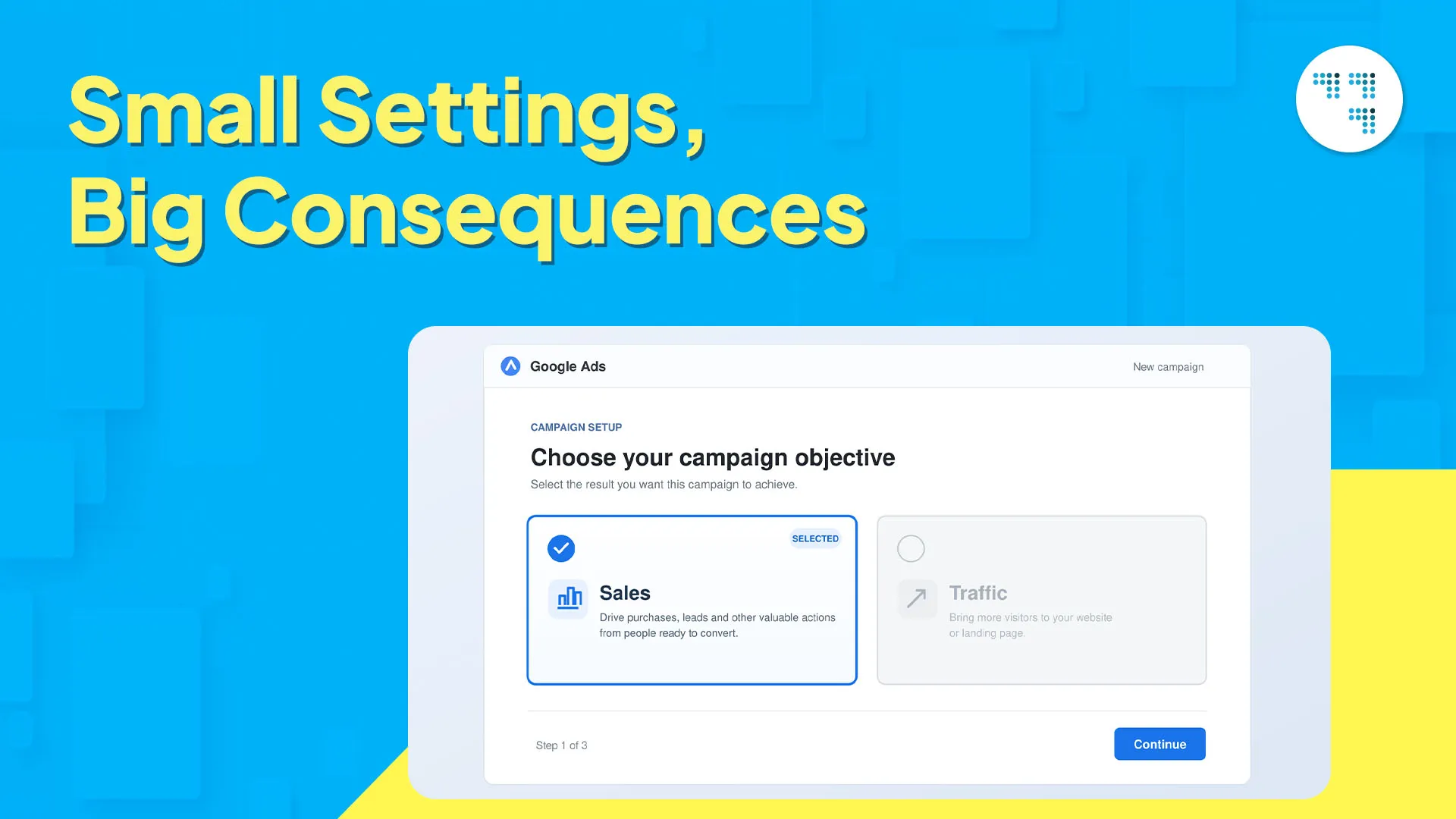
Set the campaign to “Traffic” or “Awareness” when you really want sales, and you’ve told Google’s algorithm to pursue the wrong goal on your behalf. Seems like a minor setting. It’s actually one of the most common issues we catch in audits.
A campaign that converts well on desktop in Bengaluru may not do well on mobile elsewhere. If you’re not looking at performance by device and location, you’re blending your wins with your losses instead of finding out what’s actually working and putting more budget behind it.
“Best services in town” doesn’t tell the searcher anything about you. Copy that names a real problem and addresses it directly beats generic claims almost every time. This is basic Google Ads optimization, but it’s the part people skip because writing specific copy takes more thought than writing vague copy.
Without accurate tracking, you’re left guessing. Which keywords drove sales? Which ad version deserves more budget? If tracking is broken, you can’t answer any of that honestly — and a lot of the accounts we’ve inherited had this exact problem, unnoticed for months.
Most people don’t buy on the first visit. Skip retargeting and you’re letting go of warm leads who are already interested, then starting from zero every time — a slow, quiet drain on conversions you’re already paying for.
Ten campaigns with small budgets almost always lose to three or four properly funded ones. Algorithms need enough data flowing through a campaign to learn what’s working, and a thin budget doesn’t give them enough to learn from.
Launch it and forget it — that doesn’t work, not in paid media, never really. Headlines, images, audiences, bid strategies all need regular testing. Leave it, and performance plateaus, then slides quietly while everyone assumes nothing has changed.
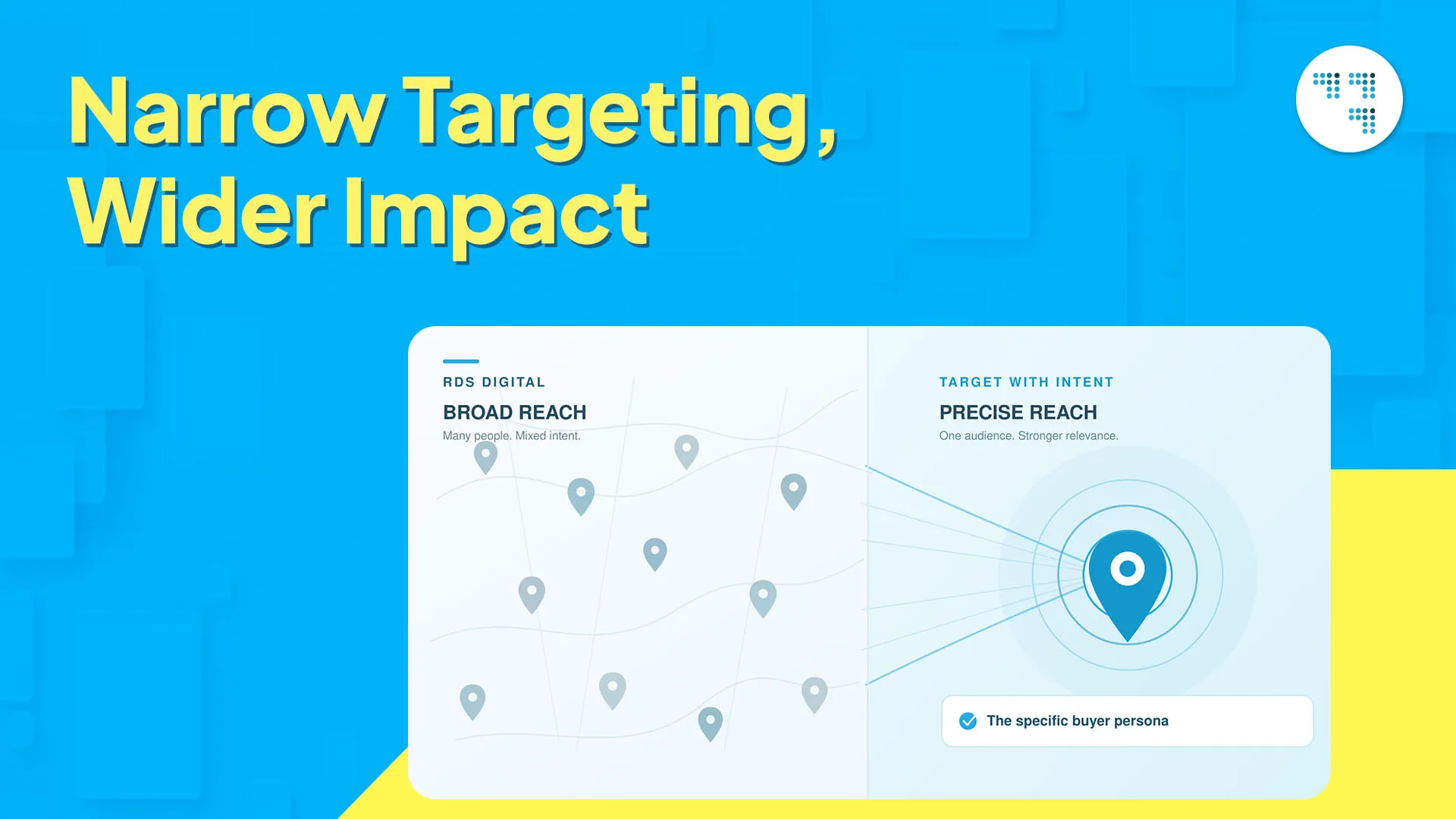
We once worked with a client who was running a citywide Google Ads campaign targeting “anyone interested in home interiors.” The clicks were good. Leads were almost negligible.
The fix wasn’t a bigger budget — it was narrower targeting.
We rebuilt the account around a specific buyer: homeowners actively searching for renovation quotes, not people casually browsing interior inspiration. Ad copy changed to match. The landing page changed to match. Even the keyword list was narrowed down to terms that actually indicated intent to buy, not just casual interest.
This is the real lesson: it’s not about budget, and it’s not the platform. Narrow, tailored targeting beats broad reach almost every time. Align your keywords, ad copy, and landing page to speak to the same person, and Google Ads optimization falls into place naturally. Broad targeting just means paying to reach people who were never going to buy from you anyway.
You don’t need to rebuild your entire account this afternoon, and honestly, please don’t try — it usually makes things worse rather than better. Start with conversion tracking. If it’s off or missing, fix that first, because every decision after depends on that data being accurate. Then pull up your top three keywords by spend and check whether the page each one leads to actually matches the ad. Small, specific improvements like this move the numbers faster than a complete overhaul.
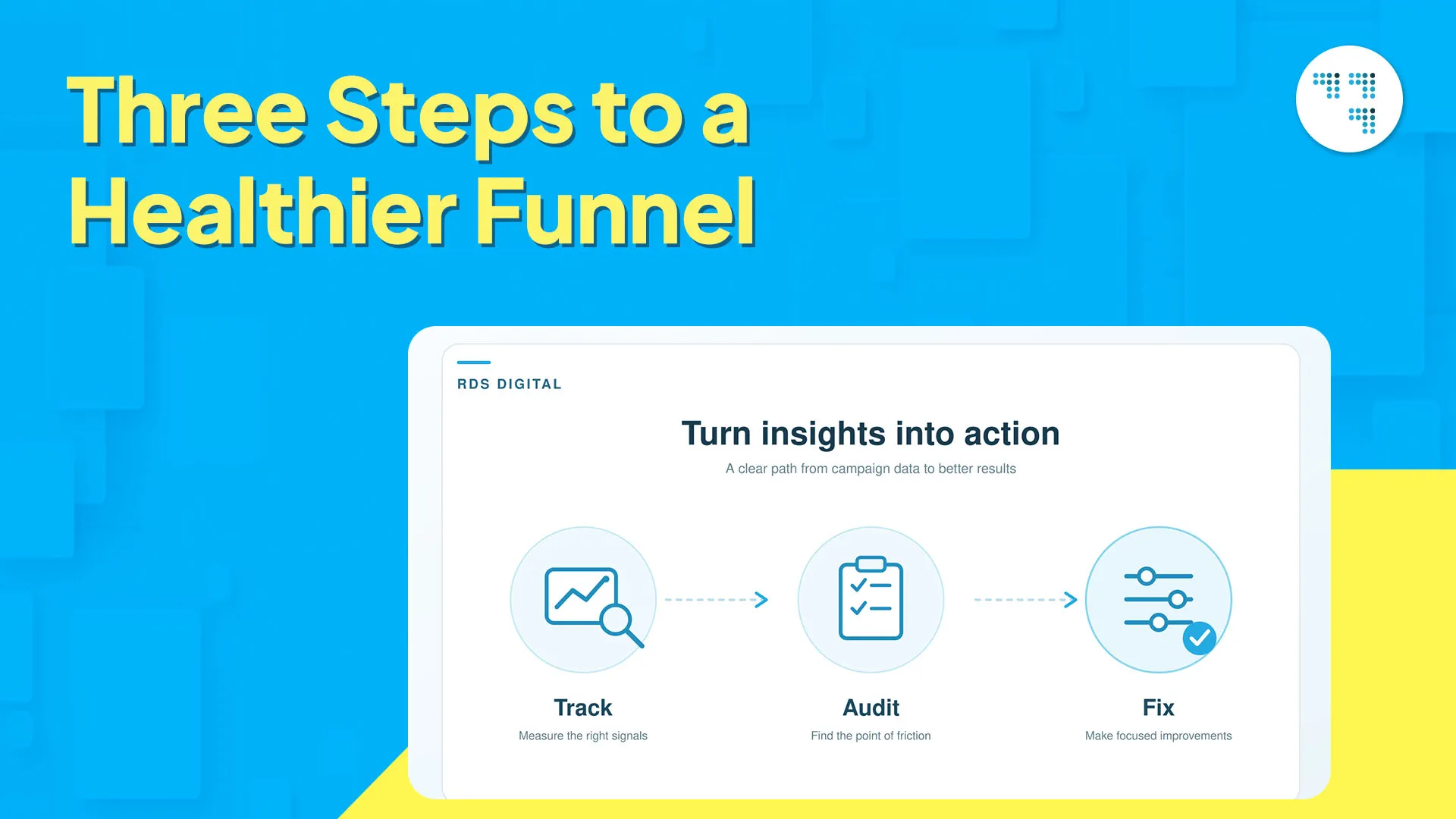
Google Ads not converting is almost never one big, obvious mistake. It’s usually a few small things — mismatched targeting, a weak landing page, tracking no one checked, budget spread across too many campaigns — quietly working against each other in the background. Fixing even two or three of these, and checking them regularly, has a bigger impact on your results than any single strategy on this list.
At RDS Digital, we bring together creativity, strategy and technology to help brands grow on every digital platform. From SEO to paid campaigns to brand strategy, our approach is tailored, not templated — because every business deserves a growth plan built around its own goals. [Standardized to “growth plan” to match the wording used in the Google Maps post’s boilerplate.]

It’s usually a mix of a mismatched landing page, targeting that’s too broad, or tracking that was set up wrong. Ads get clicks, but conversions depend on whether your offer, page, and audience actually align. Check each part of the funnel to find where it’s breaking.
There are several common causes: broad targeting, slow page speed, a missing or confusing CTA, and ad copy that doesn’t match what the searcher was actually looking for. A weak Quality Score and no retargeting can make the problem worse.
Get accurate conversion tracking first — everything else depends on it. Then tighten up your keyword match types, make sure your ad copy and landing page say the same thing, and change one variable at a time so you know what’s actually working. There’s rarely a single fix — usually it’s a few small things working together.
This is almost always a landing page issue, not the ad. A slow page, an unclear CTA, or a page that doesn’t deliver on what the ad promised — people leave without converting, even if the ad did its job well.
Make sure your ad copy matches your landing page, tighten audience targeting with a solid negative keyword list, select the right campaign objective, and add retargeting. Then keep testing headlines, audiences, and bidding, and check performance by device and location regularly.

#80, 1st mainSanthrupthi
Nagar,JP Nagar 7th Phase, Bengaluru-78

© Copyright 2026, All Rights Reserved by RDS Digital
© Copyright 2024, All Rights Reserved by RDS Digital
Want to grow Your Business With Our Digital Marketing Solutions?